Updating on the latest technology and how to use it
Best Free AI Tools for Interactive Visual Classrooms
Revolutionize Your Classroom: The Best Free AI Tools for Visual Interactive Classes
We’ve all been there—staring at a blank screen at 9:00 PM, trying to figure out how to turn a dry lecture topic into something that actually captures your students’ attention. Gone are the days when a simple slide deck was enough. Today’s classrooms demand visual, interactive, and dynamic content that bridges the gap between passive listening and active participation.
The good news? You don’t need a degree in graphic design or a massive budget to make it happen. Artificial Intelligence has leveled the playing field, offering powerful, free tools that act as your personal co-teacher. Ready to transform your teaching workflow? Let’s dive into the best free AI tools for visual interactive classes.
1. Canva: The All-in-One Visual Powerhouse
If you aren’t using Canva for Education yet, you are missing out on the “Swiss Army Knife” of modern teaching. It is arguably the most accessible tool for creating high-impact, visual lessons without starting from scratch.
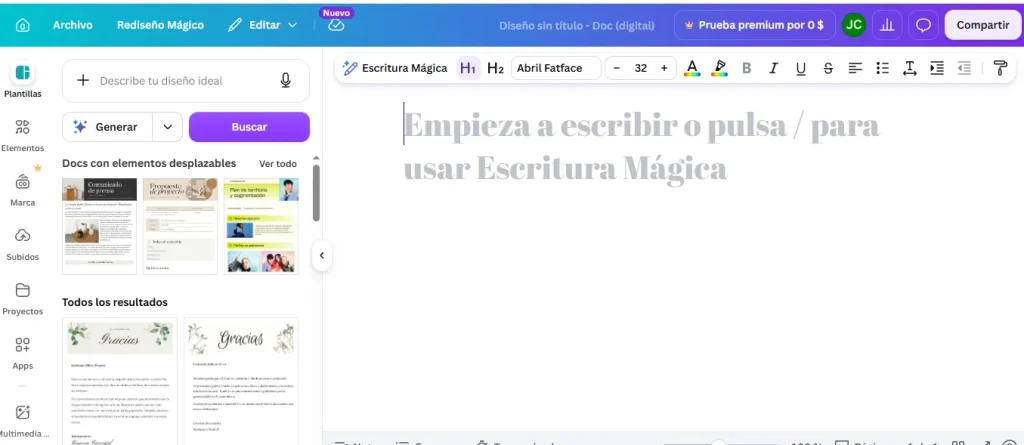
Magic Write & Activities: Use the AI-powered text generator to brainstorm lesson plans or generate slide content instantly. The “Magic Activities” feature suggests interactive tasks like Venn diagrams or critical thinking frameworks based on your learning objectives.
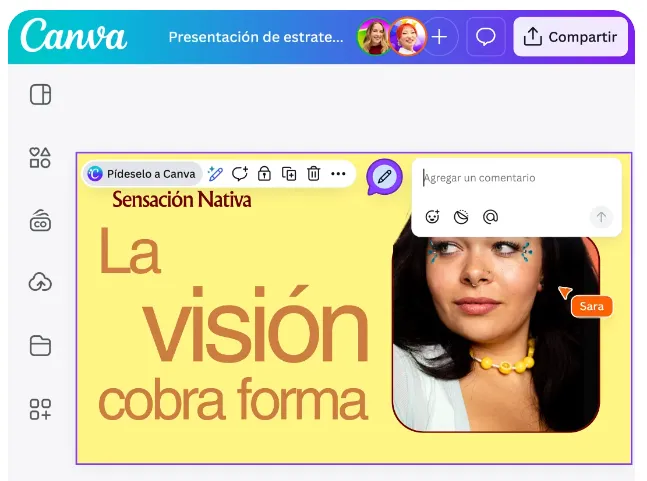
Visual Suite: Beyond slides, you can build digital whiteboards for collaboration, infographics, and posters that look professional in seconds.
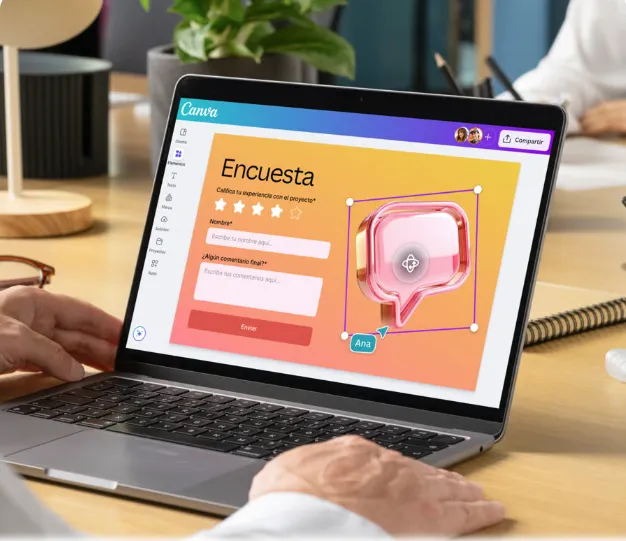
Built-in Interactivity: You can transform any static presentation into a live quiz or poll directly within the app, keeping your students engaged in real-time.
Canva Magic Write
Canva Visual Suite
Built-In Interactivity
Instant Gaming is an incredible platform for buying your PC, PlayStation, Xbox, and Switch games at the lowest price possible. With immediate delivery 24/7, play instantly at the lowest price!
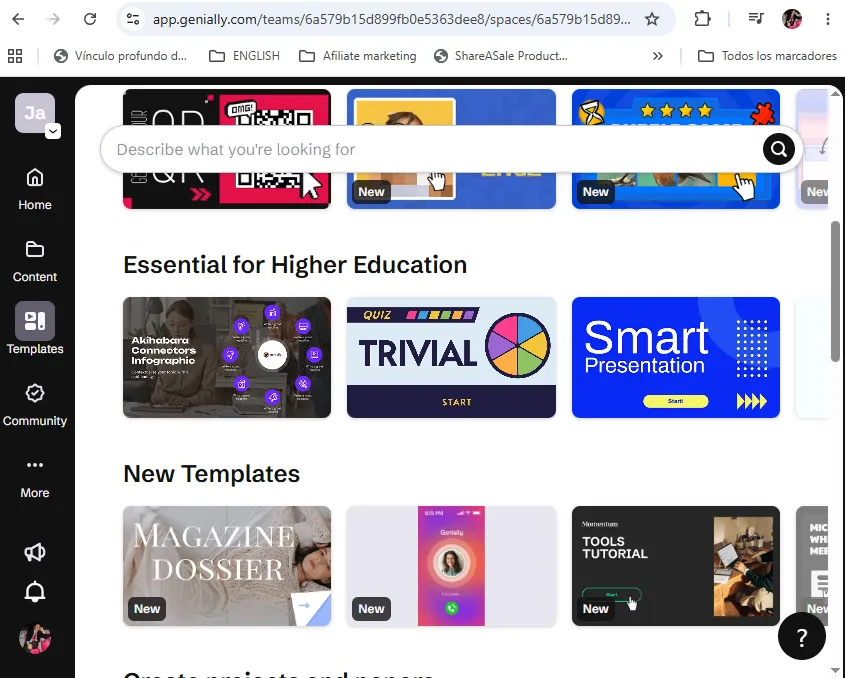
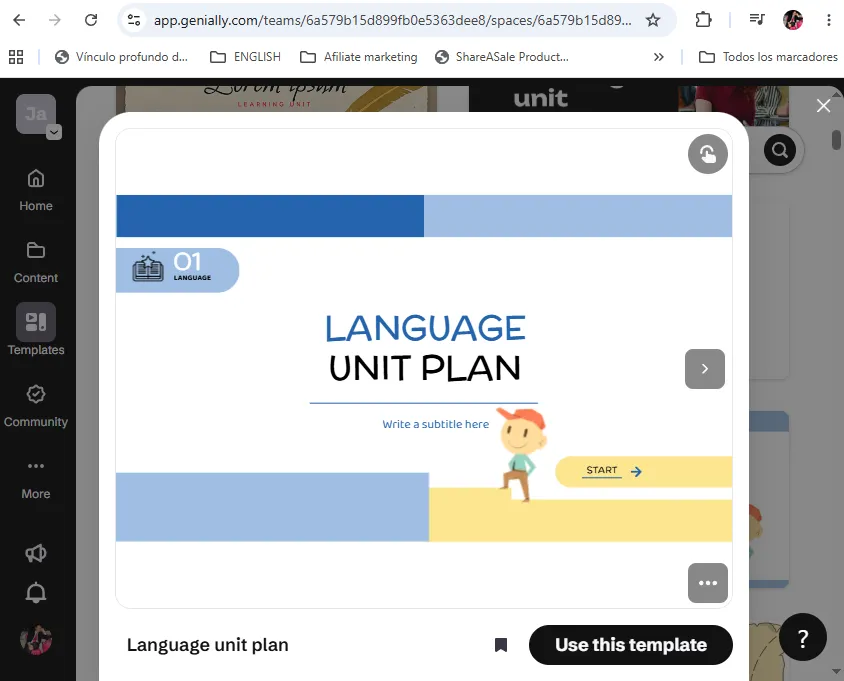
When you want to stop “presenting” and start “creating experiences,” Genially is your go-to. Their AI Builder allows you to create complex interactive components without writing a single line of code.
Gamification: Use AI to generate “Tetris-style” games, escape rooms, or interactive timelines that make complex topics feel like a challenge rather than a chore.
Interactive Components: You can add hover effects, clickable diagrams, and navigable simulations that turn your lesson into a story your students explore at their own pace.
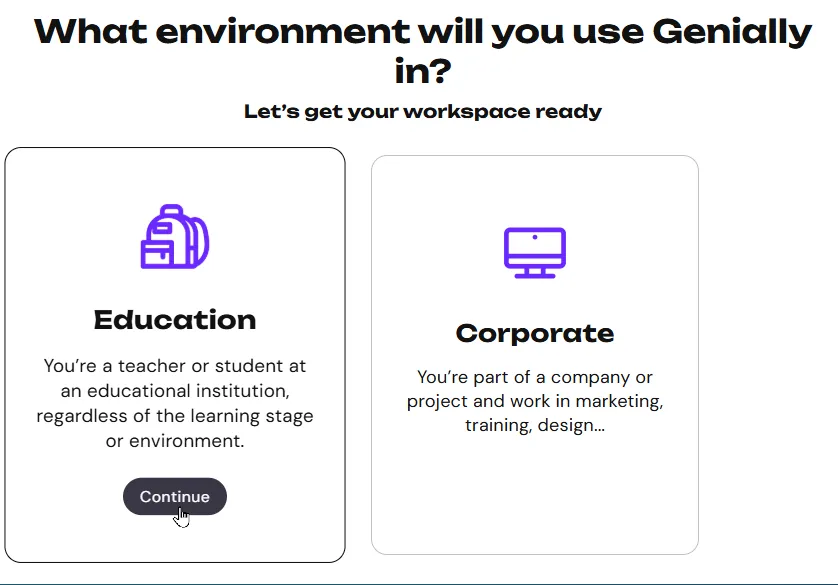
Choose your workspace
Choose template
Create interactive presentation
3. Google Workspace (Gemini & Vids): The Seamless Classroom Assistant
For those of you who live and breathe Google, the integration of Gemini into your existing workflow is a game-changer.
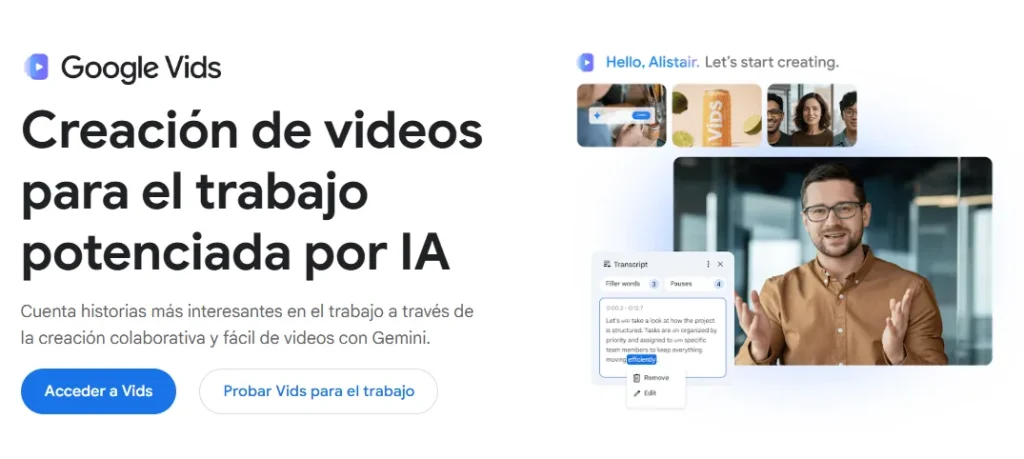
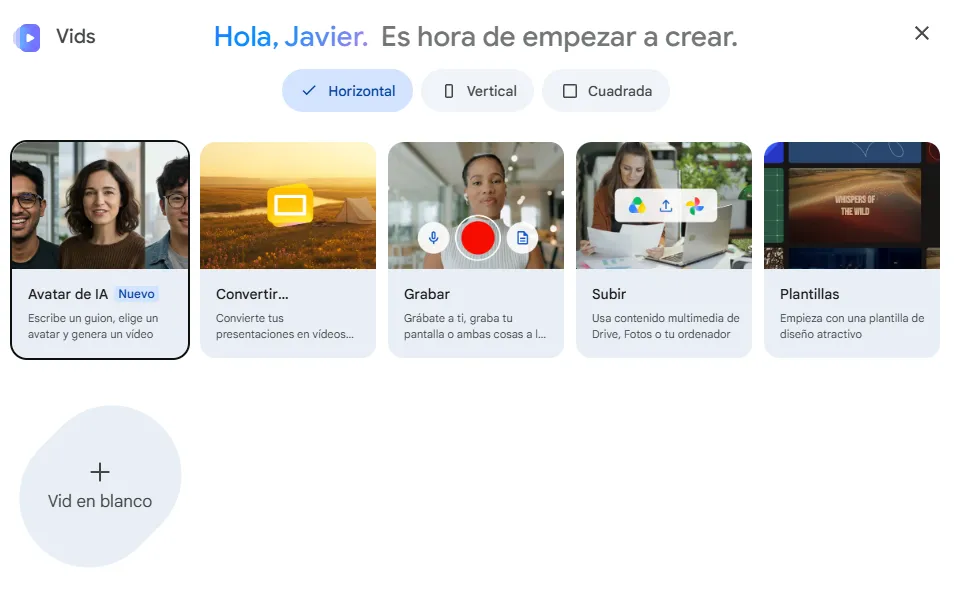
Google Vids: This is a hidden gem for 2026. Powered by Gemini, it allows you to convert text, images, and slide decks into dynamic, professional-looking videos up to 10 minutes long, all within your browser.
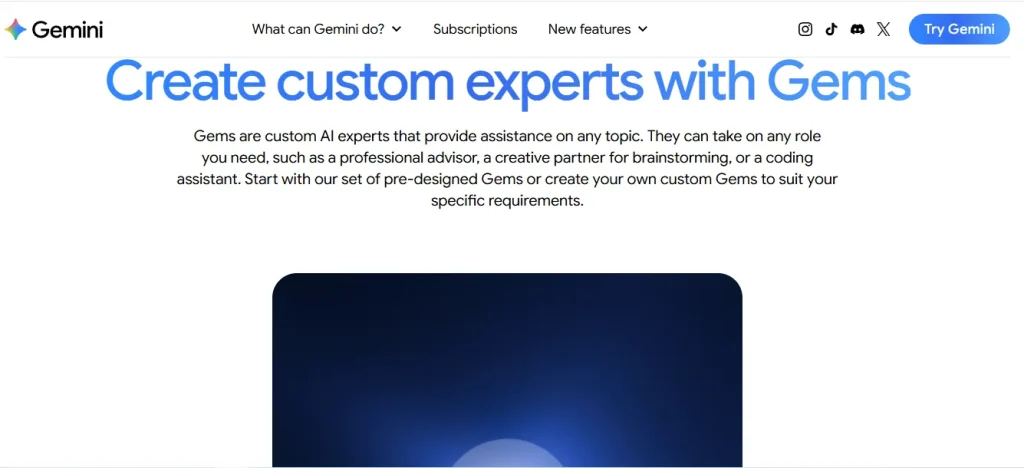
Custom Gems: You can create your own “Gems”—personalized AI chatbots—trained on your specific curriculum, rubrics, or unit plans. They act as a specialized assistant that knows exactly how you like to teach.
Create your videos
Create your videos
Create Gems with Gemini
Contact 500M up to date profiles on Linkedln & by email. Get 100’s of positive responses. From 10mn per day & 0€ per month. Without any technical skills.
If you find the slide-design process tedious, Gamma is the fastest way to build beautiful, interactive decks. It’s perfect for when you have the content but not the time to format it.
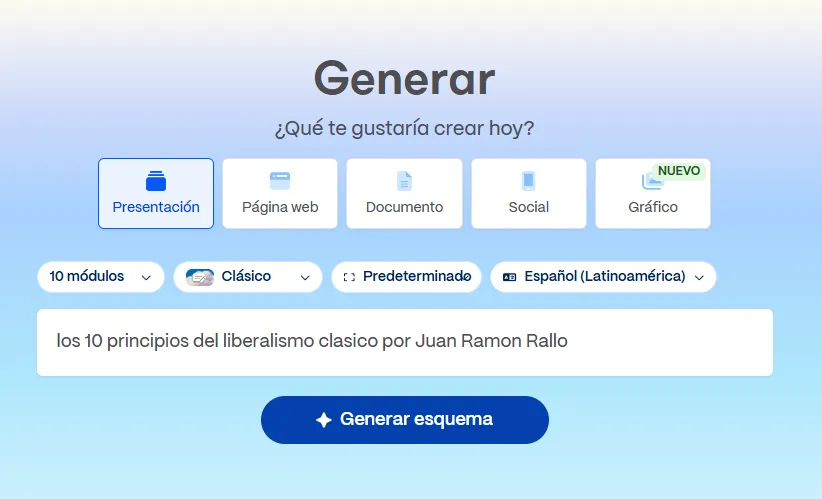
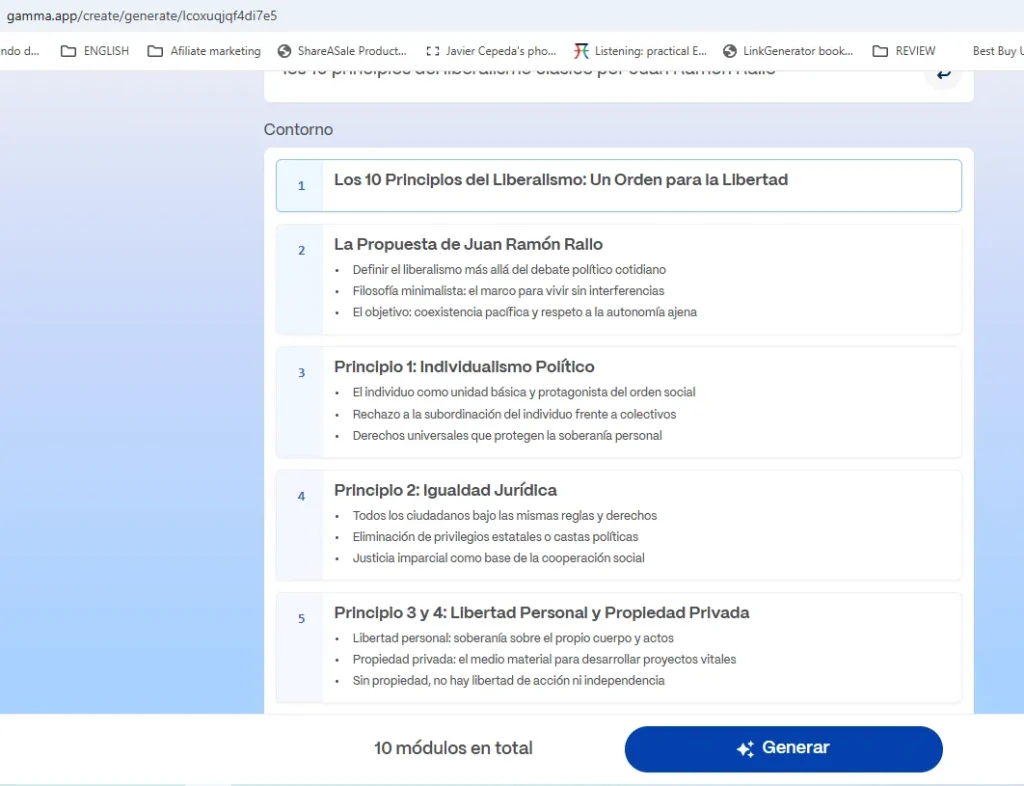
One-Click Decks: Simply provide a topic or document, and Gamma generates an entire presentation with high-quality layouts, images, and text.
Interactive Blocks: Unlike traditional PowerPoint, Gamma’s slides are web-based, allowing you to embed live web content, videos, and interactive forms directly into the slide flow.
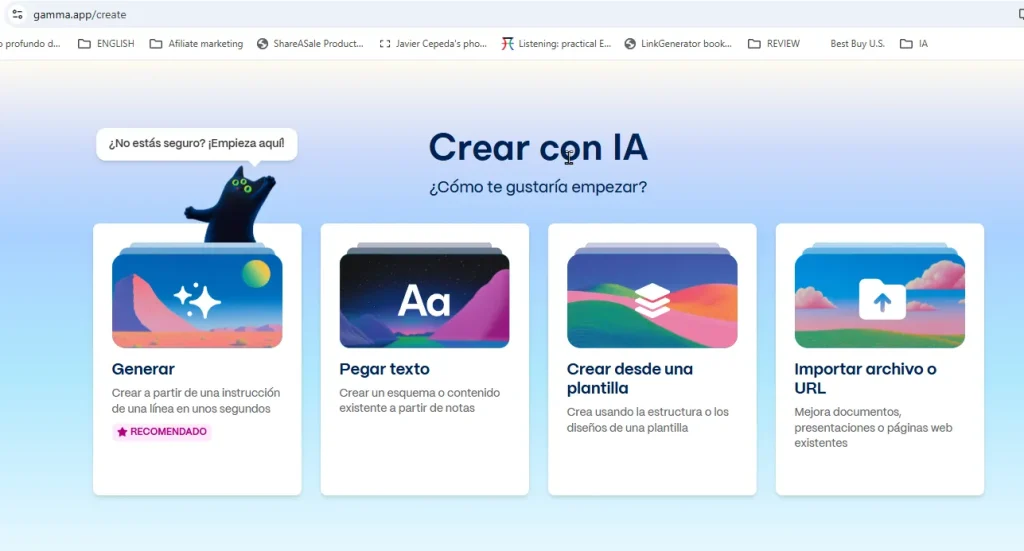
Create with AI
Generate
Get incredible results
Pro-Tips for Success: How to Use AI Effectively
Using AI is a skill. To ensure your classes are not just “flashy” but truly effective, keep these tips in mind:
Treat AI as a Rough Draft: AI can sometimes “hallucinate” or drift from your curriculum. Always review and edit the output to ensure it aligns with your specific learning objectives and standards.
Focus on the “Why”: Don’t use interactive elements just for the sake of it. Ask yourself: Does this activity help students master the specific concept I’m teaching?
Start Small: Don’t try to digitize your entire curriculum in a week. Pick one unit or one type of activity—like a weekly quiz or a specific slide deck—and use AI to enhance it.
Preserve Your Voice: Your students are there for you, not a robot. Use AI to handle the heavy lifting (like formatting or brainstorming), but inject your own anecdotes, local examples, and personality into the final product.
Unlock the Power of Spanish—One Puzzle at a Time!
Ready to boost your Spanish vocabulary while having fun? Learning Spanish Word Search: 3000 Words packs nearly 3,000 essential words across 100 engaging topics into themed word search puzzles. Whether you’re a beginner or looking to sharpen your skills, this book transforms language learning into an adventure.
Challenge your mind, expand your vocabulary, and make every puzzle a step closer to fluency. Don’t miss out—discover more and grab your copy on Amazon today!
The transition toward visual, interactive learning is no longer a luxury—it’s an expectation. By leveraging tools like Canva, Genially, Google Vids, and Gamma, you can reclaim hours of your prep time while simultaneously creating lessons that truly resonate with your students.
The best part? These tools are evolving every day, making it easier for educators to focus on what matters most: the connection with their learners. Which of these will you try first in your next lesson? Pick one, give it a whirl, and watch your classroom engagement climb.
Are you already using any of these AI tools in your classroom, or is there another favorite that makes your life easier? Let’s keep the conversation going in the comments!
🔥 Wear Your Vibe. Turn Heads. 🔥 Looking for T-shirts that actually say something? Dive into our RedBubble store — where bold designs, modern vibes, and awesome tees collide. Whether you’re into clean lines, edgy graphics, or something that makes people look twice, we’ve got the perfect fit for your style.
💥 Unique. Comfortable. Unapologetically You. ➡️ Discover your new favorite tee now — only on RedBubble!
Disclaimer: This site contains affiliate links to products. We may receive a commission for purchases made through these links. It doesn´t affect the quality of the information you receive.